You don't have to be a developer to create a professional website.
Establishing a successful presence on the Web means creating a site that appeals to both search engines and your customers. But designing and building your own website can be challenging, especially if you don't know anything about coding.

Hi, I'm Eric Hamm and Cobalt Apps is my baby.
From the start of my business getting online, I had a problem...
I had no control over my website. To gain that control, I had to teach myself to code.
WordPress, CSS, HTML, PHP, JQUERY, etc... in order to build 1. Frugal Theme (2009), 2. Catalyst Theme (2011), both of which were earlier iterations of my solution for you today.
As a result of my journey to take control of my online presence using the powerful WordPress platform as my foundation, I now have a highly refined and super flexible tool to offer you that comes in two flavors (Theme & Plugin), all built on top of the industry standard
Genesis Framework.
Since 2009 I have been working with our amazing and highly active community of members to refine and enhance these tools for the greatest benefit to both myself, my team and my community.
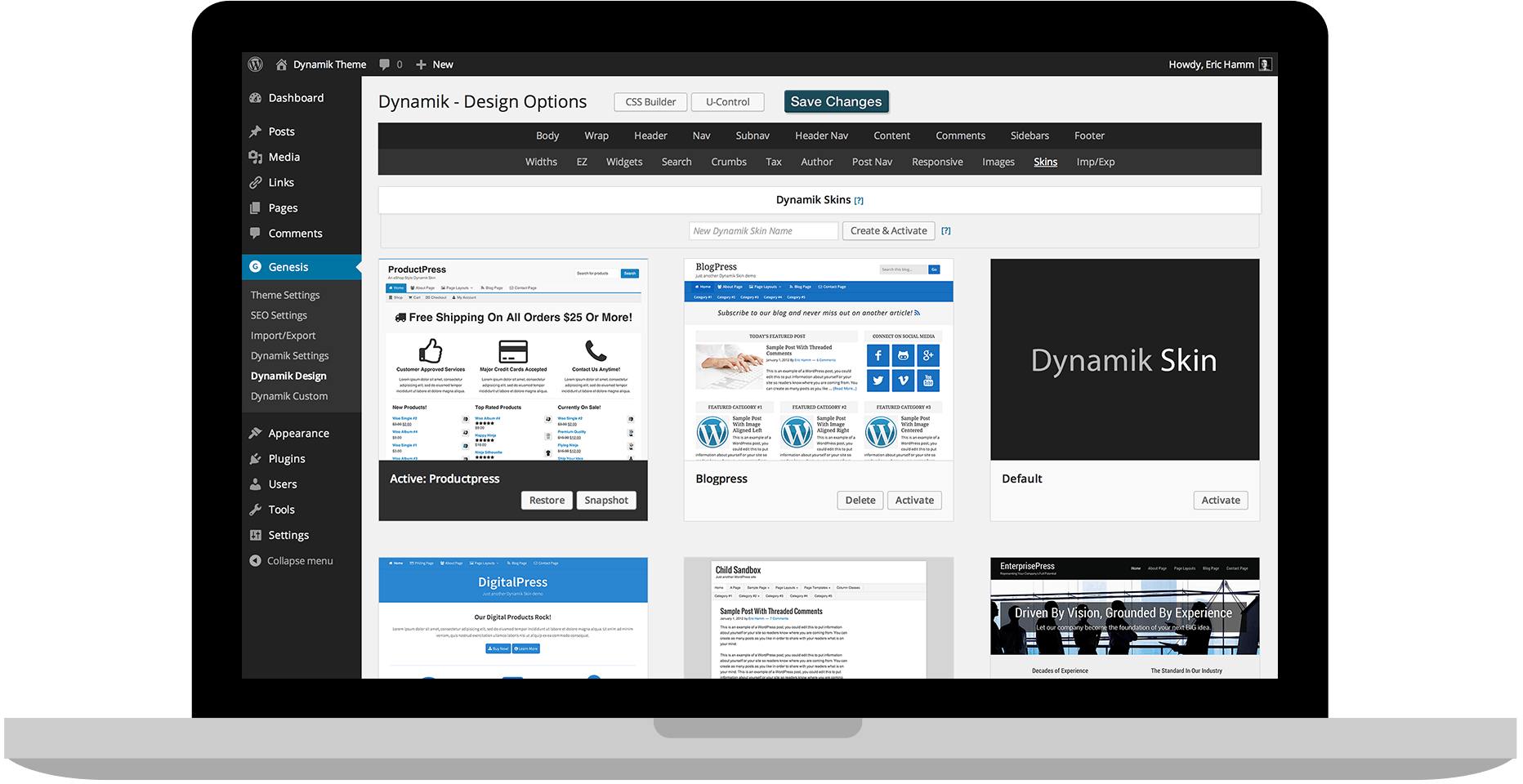
With my Dynamik Website Builder theme for Genesis or my Genesis Extender Plugin, you can design a knockout website without having to learn a single line of code.
Child Themes and Skins Provide A Professional Starting Point
If you'd prefer not to start from scratch, but still want the high level of no-coding control found with my products, then Child Theme's and Skins provide the necessary bridge to quick-n-easy WordPress web design. With my Dynamik Website Builder Child Theme you can control almost every aspect of your design with little to no coding required. Match that up with a professionally designed Dynamik Skin and you're mere minutes away from a highly refined website that's still fully customizable for the non-coder. For those who want to take advantage of some of the many excellent pre-customized Genesis Child Themes while harnessing much of the power of Dynamik, you can do so with my Genesis Extender Plugin.
For the do-it-yourselfers out there who want total control, a blank canvas and a completely unique-to-you design, you've come to the right place!
Dynamik Website Builder and Genesis Extender have DIY DNA.
In the same way that you can go from nothing to a professional design in minutes using pre-customized Child Theme's and Skins, my products are first and foremost a do-it-yourselfer's dream when it comes to providing you with the necessary tools to take full control over your WordPress web design destiny. Activate Dynamik Website Builder and start tweaking away at its default design or activate the Sample Genesis Child Theme and my Genesis Extender Plugin and start making it your own. Either way you'll end up with something that's the complete opposite of a cookie cutter look that is so commonly found on the Internet. What you'll end up with is your own personality projected onto the pages of your online presence.
Use my powerful point-and-click controls to:
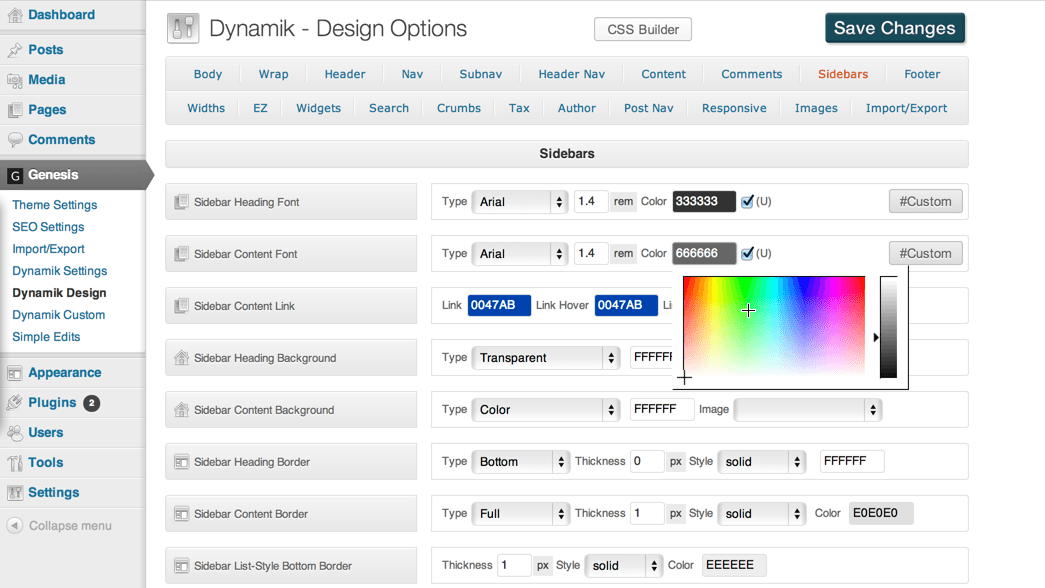 Customize the style and layout of your website to your specifications, and update it on the fly.
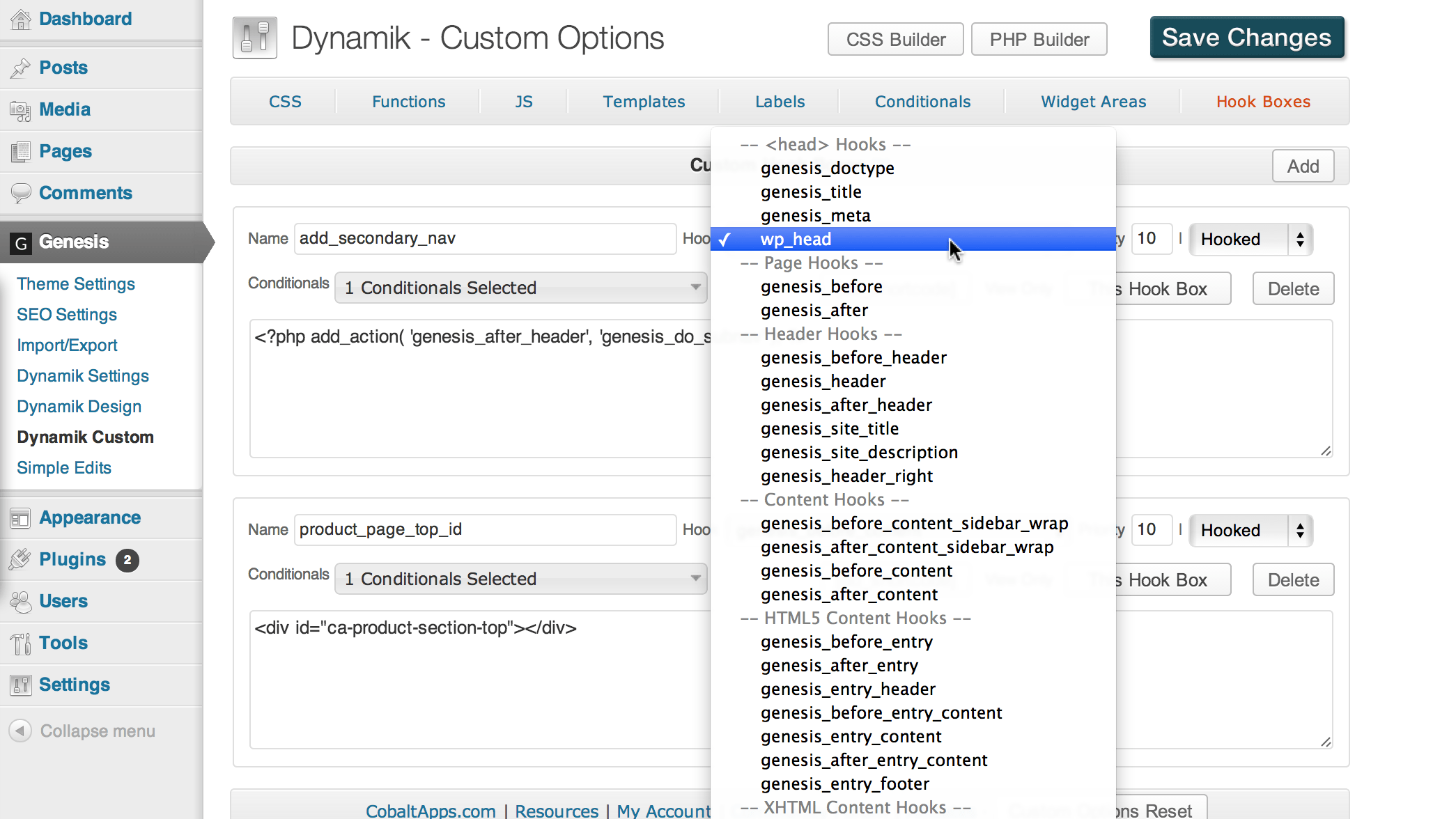 Place the elements of your website—from WordPress widgets to media files to snippets of code—wherever you want, whenever you want.
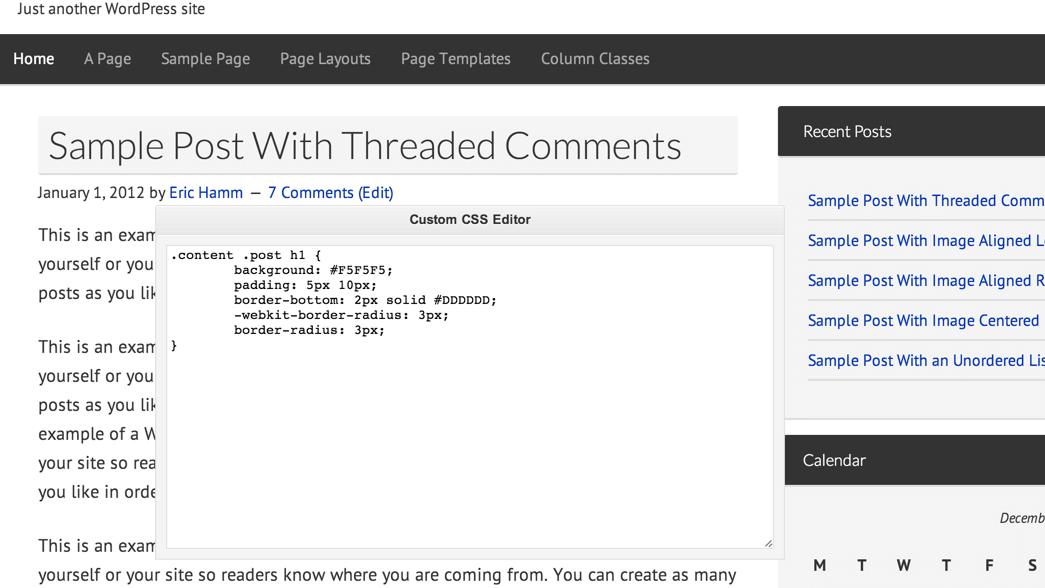 Make changes on the front end of your website in real time; tweak and save without having to switch between your active site and the back end or dashboard.
